
How to Search Cases by Name
Minnesota Court Records Online, or MCRO serves as the free public statewide layer. It covers Cottonwood County District Court. It replaced MPA Remote in 2023. Free does not mean official, though, and MCRO displays carry no authoritative weight. With no court file number in hand, choose the Name tab for a person or a business. Pick the right name type first. A company goes into a business search rather than into separate first and last name fields. Once a first careful search is done, adding the Cottonwood County court location can narrow statewide results.
Go broad at first so a true Cottonwood County match is not missed. Filing-date, category, and status filters help later. But piling on limits can screen out the very record you want. Date of birth fields accept exact or range queries. Use them only when appropriate, and never reproduce that detail in a search note.
- Open MCRO for Cottonwood County, accept its access terms, and choose Case Search followed by the Name tab.
- Select the Cottonwood County person or business search, then enter an exact last name and first name when known.
- Use the Court Locations control to find and select Cottonwood County; the selector provides search and alphabet controls.
- Review matching Cottonwood County case numbers, categories, dates, and statuses before opening Case Details and the Register of Actions.
- Only then add a Cottonwood County date, category, or status filter if the original result list is still too broad.
| MCRO field | Type | Required | Cottonwood use |
|---|---|---|---|
| Name Type | Choice | Yes | Choose the Cottonwood County person or business search before entering names. |
| Last, First, Middle | Text | Name search | Begin a Cottonwood County search with exact spelling; try middle initial variants separately. |
| Sounds Like | Option | No | Use for a deliberate Cottonwood County alternate-spelling search. |
| Filed Date, Category, Status | Date and filters | No | Add after Cottonwood County name logic is sound, not before. |
| Court Locations | County selector | No | Limit a statewide result set to Cottonwood County. |
Note: A Cottonwood County name match is only a lead. Confirm it with the case number, county, category, and Register of Actions.
Cottonwood Case Lookup Tabs
Each of the four Cottonwood County Case Search tabs answers a different question. Name works when the party or business is known. Case Number is the direct route from a notice, calendar, or filing. For a Cottonwood County traffic matter, Citation Number is the more reliable choice. It works best when a name search comes back empty. Attorney finds matters tied to a known lawyer. You then confirm the party role and county location. No tab alone delivers the complete file.
| Tab | Best starting detail | What to verify next |
|---|---|---|
| Name | Person or business name | Cottonwood County, category, case number, and party role. |
| Case Number | Full court file number | Cottonwood County Register of Actions, status, hearings, and documents. |
| Citation Number | Number printed on a traffic citation | Cottonwood County case details and the hearing or payment route. |
| Attorney | Attorney search information | Cottonwood County case parties and the Cottonwood County court location. |
Document questions work differently. The MCRO Document Search screen takes a case number, not a name. Knowing that distinction saves a false start after you find a Cottonwood County party in Case Search.
How to Search by Case Number
The best MCRO key is a full Cottonwood County court file number, the kind printed on a hearing notice, calendar, prior order, or payment notice. Minnesota numbers combine a county code, a case-type abbreviation, a year, and a sequence. In the Cottonwood County record system you will see patterns like 17-CR- for criminal and 17-CV- for civil. The complete number on the document controls. Never build a number from a partial pattern.
A case number also separates people with similar names. Enter it, then check the court location, category, filing date, current status, and Register of Actions. Want the public filing rather than the event list? Type that same full number into Document Search. Even then, a Cottonwood County entry may lack a downloadable attachment.
The official Document Search interface shows the case-number field and Find Documents control used for that follow-up.
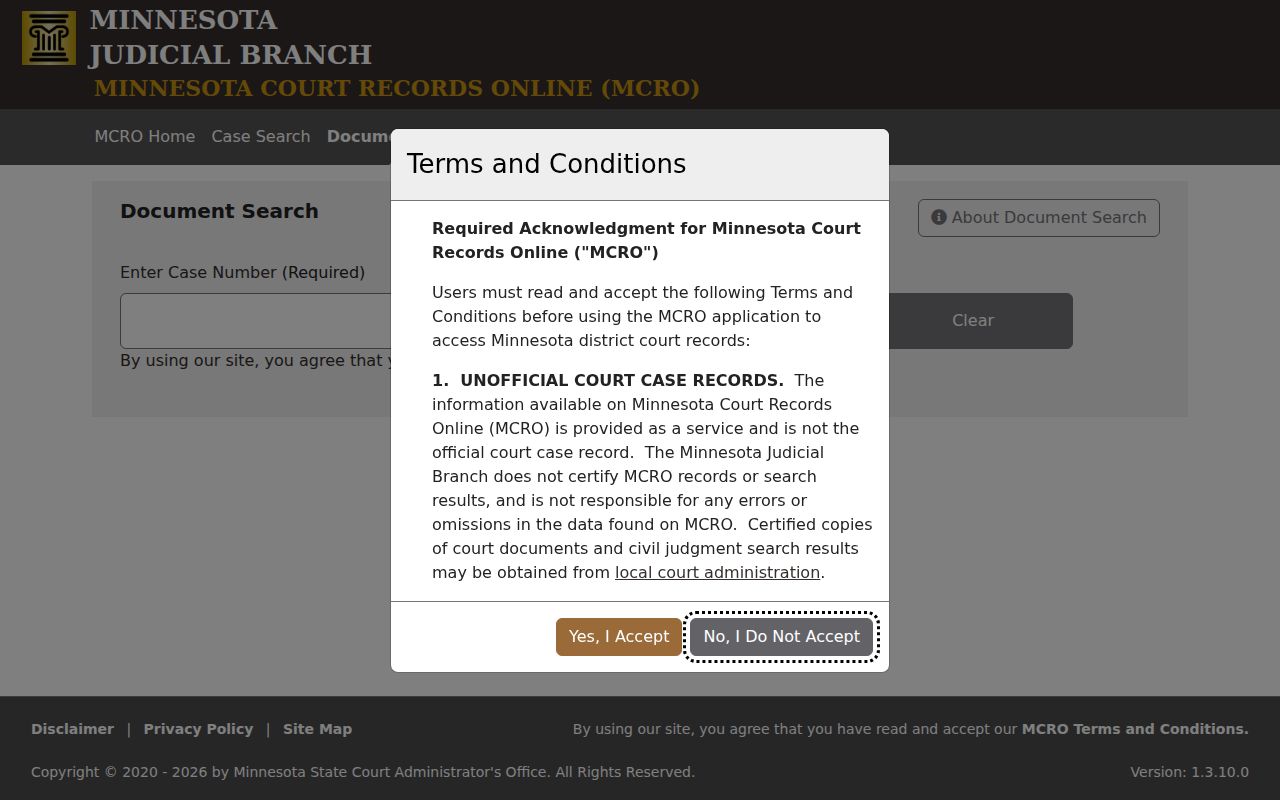
Going number first works especially well in Cottonwood County when one matter has a calendar entry, a register event, and a narrow document window all at once.
Cottonwood Case Name Variants
Begin any Cottonwood County case search with exact spelling. If that fails, change one part of the query at a time. MCRO permits a trailing wildcard after at least two characters. So a partial surname can be broadened without guessing the rest. Sounds Like is a separate tool and cannot be paired with a wildcard. Run a middle initial, no middle initial, and alternate spellings as their own searches. Then compare the case details that come back.
Search choice: Use an exact Cottonwood County name first, then a trailing wildcard or Sounds Like as separate attempts. Do not layer every filter onto an uncertain Cottonwood County name.
Pending criminal, traffic, and petty-misdemeanor cases without a conviction can be suppressed from defendant-name results. So a missing name result does not prove a Cottonwood County case was never filed. When a notice, calendar, or Court Administration supplies a citation number or full case number, use that instead.
What a Case Search Shows
MCRO usually splits a Cottonwood County search result from the fuller Case Details view. The result helps identify a possible matter. Case Details and its Register of Actions hold the chronological public event list. A hearing calendar is organized by date. Judgment Search tracks docketed monetary judgments and satisfactions. These layers are not interchangeable.
| Court file number | The unique identifier used to open the Cottonwood County case. |
|---|---|
| Case category | Cottonwood County MCRO grouping such as civil, criminal, family, or probate and mental health. |
| Parties and roles | Publicly displayed party or attorney roles, subject to redaction or suppression. |
| Register of Actions | Cottonwood County chronological entries for filings, hearings, orders, service, judgments, and other events. |
| Hearing information | Scheduled date information that should be checked against the current notice or calendar. |
| Document availability | A public entry may have no remote document link or may lead to a limited document view. |
Cottonwood Hearing and Judgment Searches
When the question is simply when a Cottonwood County matter is set, use MCRO Hearing Search. Tabs there cover Name, Case Number, Judicial Officer, and Attorney. Hearing-date, category, and county filters are also there. Set Cottonwood County and a tight date range. Then open Case Details for the surrounding Register of Actions. The result may still omit details needed to understand the setting.
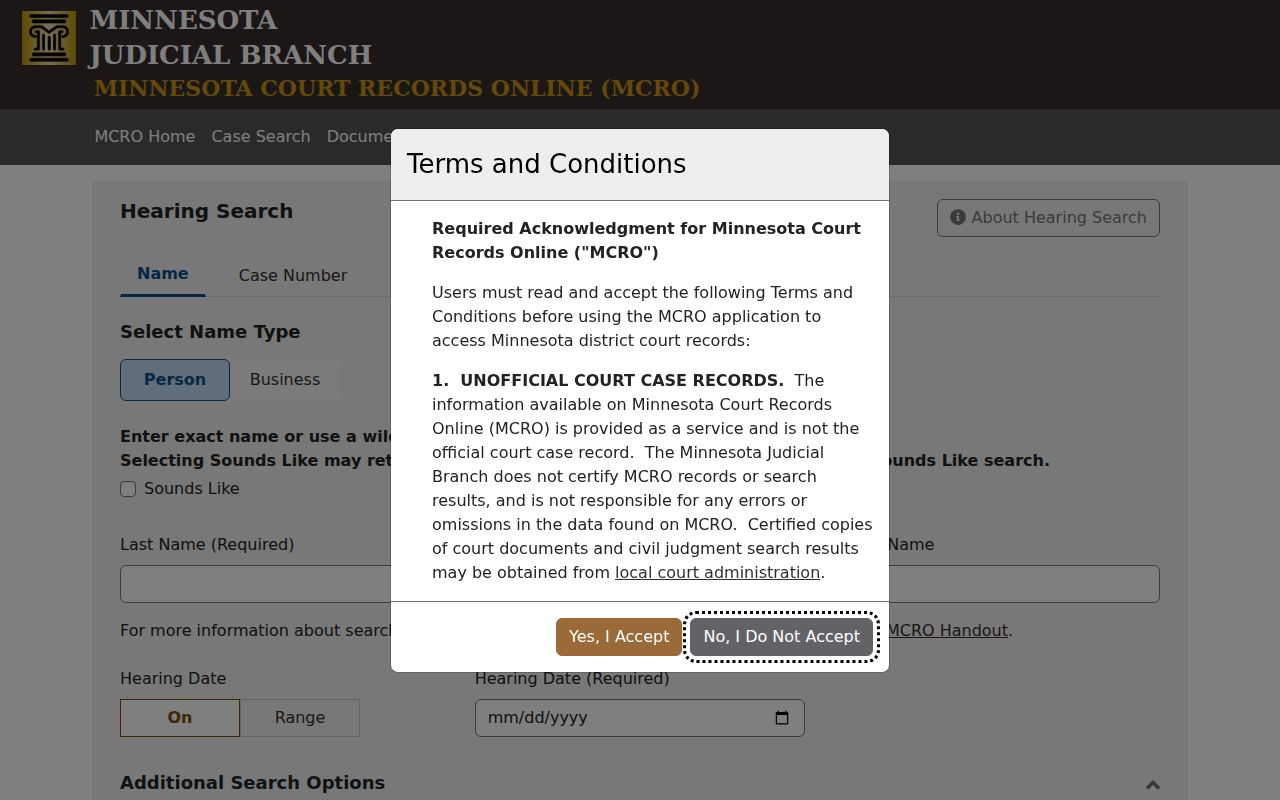
Hearing Search works by date. It answers when something is scheduled, not what a case holds. If the courtroom, connection instructions, or the date itself ever conflict, the hearing notice you received still controls.
MCRO Judgment Search takes a different approach. You can search by debtor name, docketed-date range, status, and county. It covers docketed money judgments and satisfactions only. So treat it as a narrow judgment tool rather than a full civil case search or a complete case register.
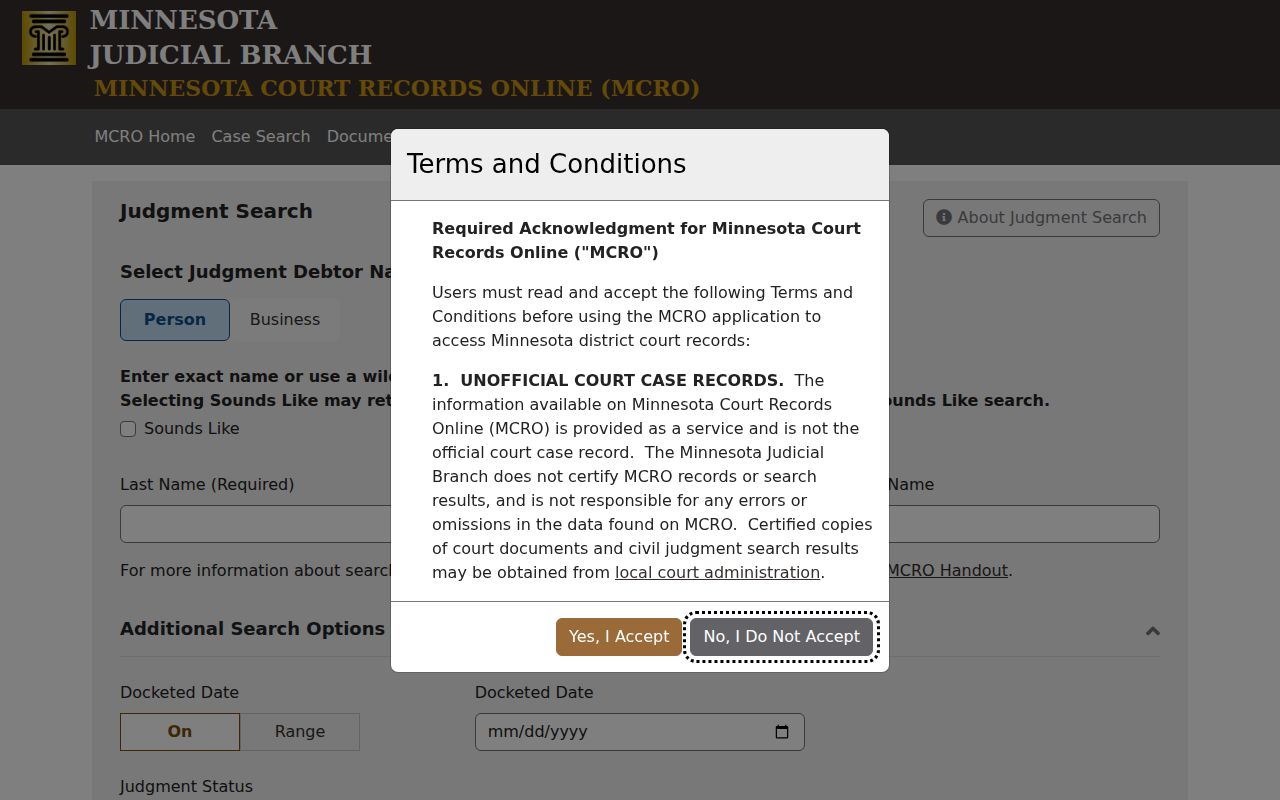
Keeping the judgment screen separate prevents a common mix-up. A money-judgment answer is not the same as every result or outcome in the underlying civil case.
County vs Statewide Case Search
Cottonwood County has no separate case database sitting beside MCRO. MCRO is statewide. Its county selector simply narrows that one official public system down to Cottonwood. So a docket search can start with the court location already locked in for a local matter, or run statewide when the county is unclear. Either way, the Cottonwood filter just limits results. It is not a second record keeper.
| MCRO statewide search | MCRO with Cottonwood filter |
|---|---|
| Searches public Minnesota court indexes within MCRO limits. | Restricts the same public system to Cottonwood County results. |
| Useful when the filing county is unknown or several counties are plausible. | Useful when the matter belongs in Cottonwood County District Court. |
| Can return similar names from many locations. | Still requires case-number and category checks before relying on a match. |
Do not confuse MCRO with Minnesota eFile and eServe. eFS exists for authorized filers to file and serve papers, not for a public docket search.
Cottonwood Case Search Filter Order
Over-filtering loses more MCRO results than almost anything else. A searcher stacks a name, a guessed date, a category, a status, and a county into one query. A blank screen comes back. That blank does not settle the question. Apply the county filter when you know the locality, but add category, status, or filed-date limits only after you have reviewed the broader result set. A case number or citation number corrects more than a stack of guesses.
MCRO guidance also recommends using its own breadcrumb trail to move around. The browser Back button can drop your search state. Keep a simple work note listing the date searched, the search mode, the Cottonwood County filter, any limits used, the case number, and whether the result was a calendar, register entry, document, or judgment. Leave protected identifiers out of that note. Note: MCRO terms prohibit data mining and automated use, so each Cottonwood County case search should stay a direct public-access query.
Restricted Cases and Access Rules
Access to Cottonwood County court records is governed by the Minnesota Rules of Public Access to Records of the Judicial Branch. Rules 4 and 8 matter most. Public does not mean fully visible from home. Case type, date, and classification can each change what MCRO shows. So can redactions, a sealing order, and remote-display limits. Family cases have narrower remote categories. Juvenile, CHIPS, domestic-abuse, harassment, civil-commitment, and search-warrant records carry further restrictions.
A public Register of Actions can name an event while its attachment stays unavailable. When a known case or document fails to appear remotely, do not give up. Try the public terminal at the Cottonwood County courthouse. Or ask Cottonwood County District Court Administration about the inspection or copy route. Court Administration sits at 900 Third Avenue, Windom, MN 56101, and answers at (507) 831-7003. It cannot lift a restriction or seal.
Access boundary: MCRO is an unofficial remote view. A restricted or sealed item needs the access process that applies to that record, not a different search term.
Cottonwood Case Search Trail
For a repeatable Cottonwood County case lookup, save the full case number once you find it. Note what the result actually was. The Register of Actions is the event history. A calendar is just a scheduling publication. A document search opens a limited public document window, and an official copy takes a separate request through Court Administration. Keeping these products distinct helps you ask the right local question and confirm the court record before you act on it.